Skeleton
A bone hierarchy provides the basis for future poses and movements.
Choose a finished model from your Assets. Studio checks compatibility and creates a separate version with a skeleton and skinning without changing the original result.
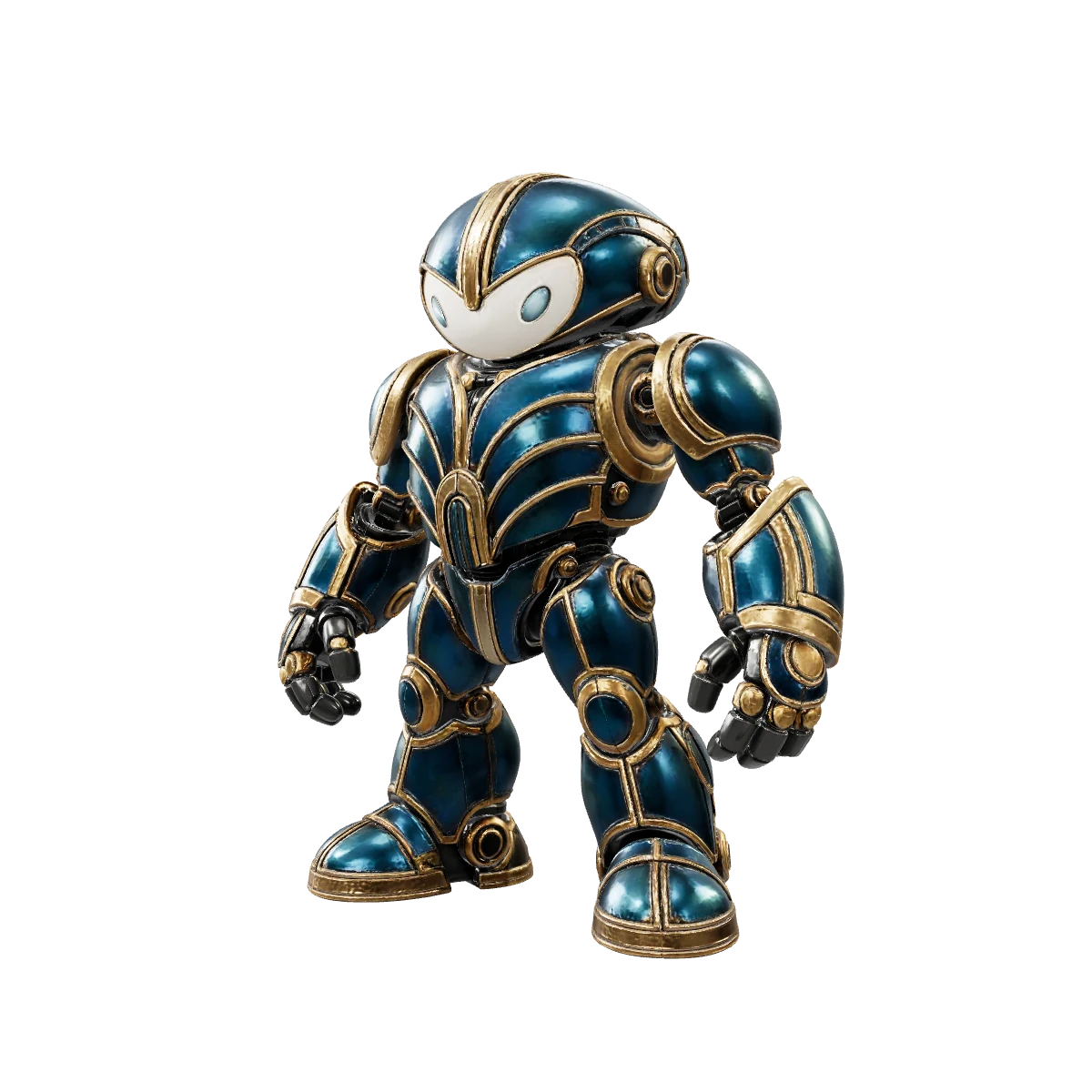
A rig adds a bone structure to the model, while skinning connects the geometry to its movement. The original result remains unchanged in Assets.
A bone hierarchy provides the basis for future poses and movements.
Model vertices are bound to bones so the geometry moves with the skeleton.
Use the finished rigged version as the source for a compatible animation.
Open a finished generated model from your Assets in the Rig tab.
Studio determines whether the geometry is suitable for rigging and selects a skeleton profile.
After a successful check, a new version with a skeleton and skinning is created.
Open the version in the 3D scene, then export it or continue to animation.
Studio determines compatibility and recommends a profile automatically. The presence of a profile does not guarantee a successful rig for every geometry—the result is decided after checking the model.
Humanoid characters
bipedAnimals and creatures
quadrupedCreatures with six limbs
hexapodCreatures with eight limbs
octopodBirds and winged characters
avianElongated creatures without legs
serpentineFish and aquatic creatures
aquaticThese recommendations improve the chance of compatibility but do not replace the automatic check.
An A- or T-pose is preferable for a humanoid; a normal standing pose is best for a quadruped.
Arms, legs, wings, and other limbs should be clearly separated from the torso and from one another.
Overlapping parts and an unusual pose can prevent a successful automatic compatibility check.
Inspect the automatic rig in motion: complex geometry may require further work.
After rigging succeeds, choose the new version in the Animation tab. In this example, amiodel applied the “Neutral idle” motion to the same asset.
Continue to animationA rig is a skeleton plus settings that control how its bones affect the model surface. A rigged version can be used as the basis for compatible animation.
Choose a finished model from your Assets in the Rig tab and start the operation. Studio checks compatibility first and then creates a separate rigged version.
Compatibility depends on the model’s structure, pose, and geometry. Unusual anatomy, overlapping limbs, or a complex source pose may not be suitable for automatic rigging.
No. The rigged result is stored as a separate asset version, so the original generated model remains available.
The operation costs 15 amiodel tokens. The cost appears in the Rig tab before launch.
After rigging succeeds, choose the finished rigged version in the Animation tab and apply a compatible motion.
Choose a finished model, check compatibility, and save a separate version for further animation.